Save time, streamline workflows, and supercharge your social media strategy with these top-tier tools for 2025.
Feeling Overwhelmed by Social Media Tasks? You’re Not Alone.
Every day, you’re:
- Crafting engaging social media posts
- Repurposing content for multiple platforms
- Keeping up with the latest trends
- Analyzing performance for better decision-making
- …and so much more!
Doing all this manually? That’s a one-way ticket to burnout. Luckily, the best social media management tools of 2025 are here to help. Below, we’ve rounded up the seven top tools and their best alternatives to help you choose the right fit for your needs.
The 7 Best Social Media Management Tools (+ Alternatives)
1. Buffer
Best for: Creators & small businesses
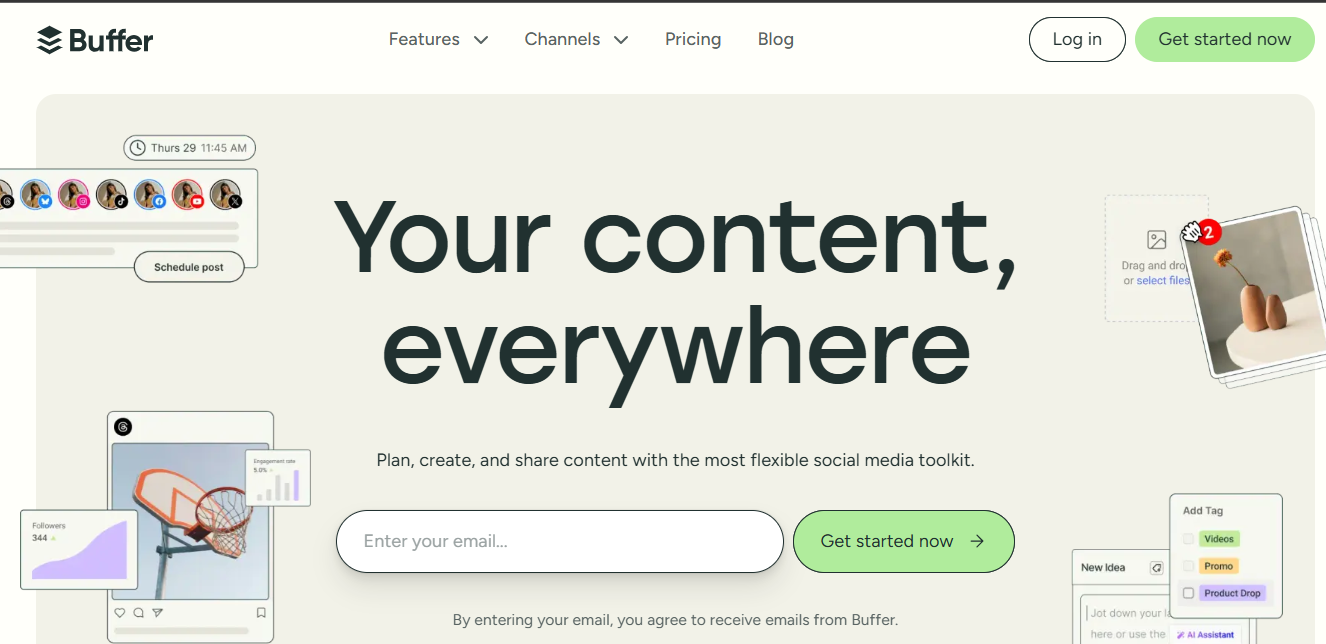
Free plan/trial: Yes, free forever for up to 3 channels. All paid plans include a 14-day free trial.
Pricing: Paid plans start at $6/month per channel.
Standout Features:
- Store content ideas, curated posts, and notes with the Ideas feature.
- Create a fully customizable link-in-bio page with Start Page.
- Seamlessly schedule posts, track performance, and manage audience engagement—all in one place.
2. Hootsuite
Best for: Mid-sized businesses practicing social listening
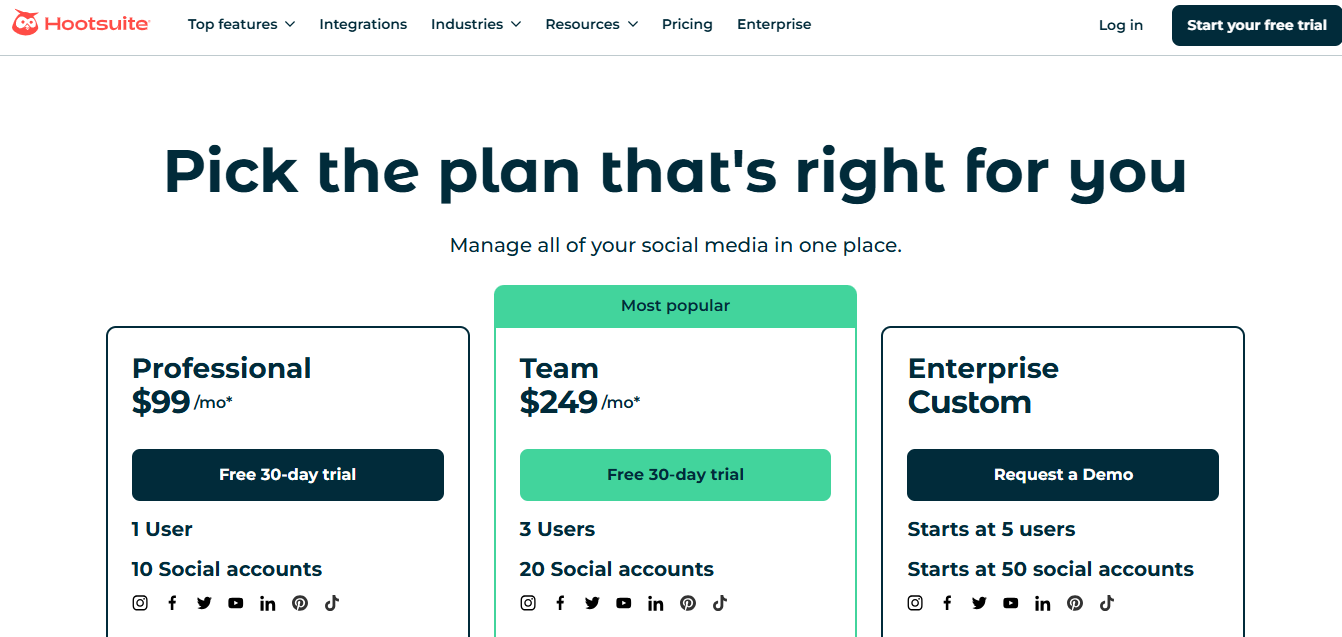
Free plan/trial: No free plans, but paid plans offer a 30-day free trial.
Pricing: Plans start at $99/month for 10 social media channels.
Standout Features:
- Unmatched social listening tools to track trending keywords, competitors, and brand mentions.
- Granular access control for teams, making it perfect for businesses with complex workflows.
- Competitor benchmarking lets you compare your social media performance with industry standards.
3. Tailwind
Best for: Managing your Pinterest account
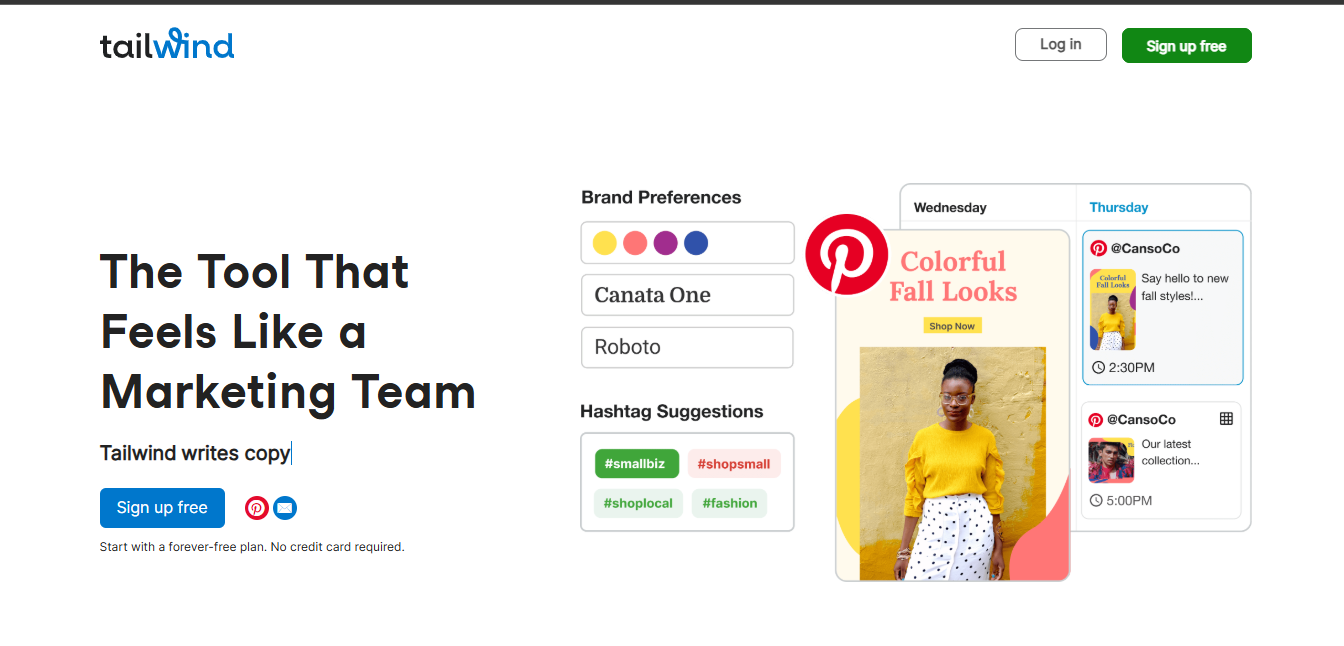
Free plan/trial: Free plan available for one account and five posts per month.
Pricing: Paid plans start at $19.99/month for 400 posts per month on one account.
Standout Features:
- Smart scheduling lets you post Pins at optimal times for engagement.
- Browser extension to create Pins from anywhere and save them directly to relevant boards.
- SmartGuide helps you follow Pinterest best practices and optimize your strategy.
4. SocialPilot
Best for: Social media agencies
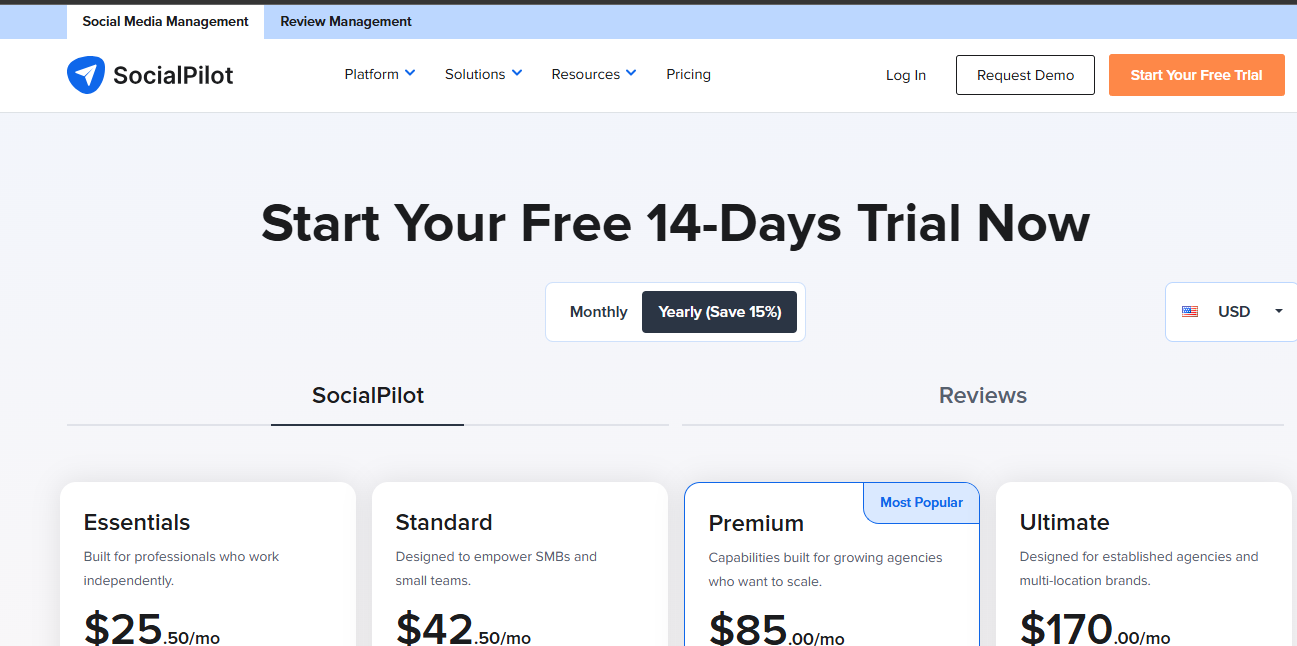
Free plan/trial: No free plan, but a 14-day free trial is available for all paid plans.
Pricing: Plans start at $30/month for one user and 10 social media accounts.
Standout Features:
- Separate client dashboards with customizable colors, logos, and branding.
- Simple approval workflows with shareable links that don’t require client sign-ups.
- Automated, personalized reports for each client, branded with their logo.
SocialPilot is built with agencies in mind. Its approval process is seamless, letting clients review content without the hassle of signing up. Plus, its whitelabel dashboard offers a fully customized experience.
Top 3 Alternatives to SocialPilot:
- Sendible: Designed for agencies, with strong reporting and collaboration tools. Paid plans start at $29/month.
- SocialBee: Best for agencies with small teams, featuring separate client workspaces. Paid plans start at $179/month.
- Pallyy: A simpler alternative with customizable colors and feedback tools. Paid plans start at $18/month, with a free plan available (15 posts/month).
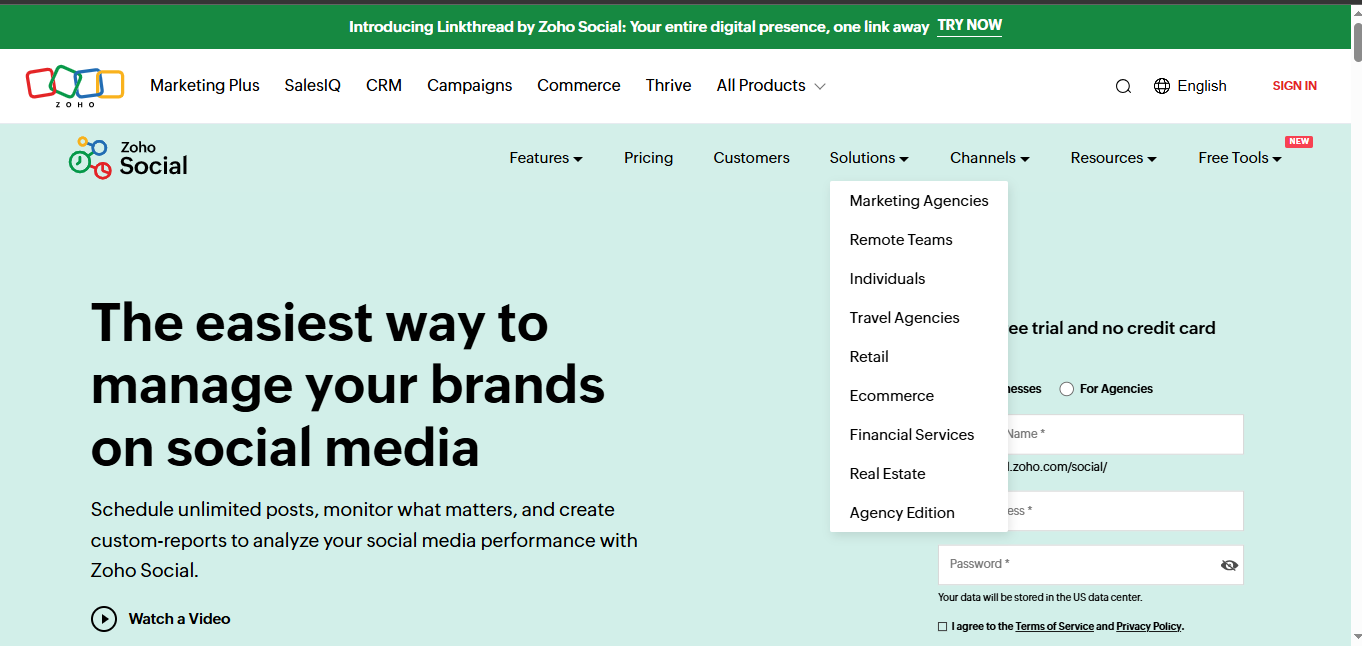
5. Zoho Social
Best for: Zoho users
Free plan/trial: No free plan, but all paid plans include a 15-day free trial.
Pricing: Plans start at €15/month for one user and 10 social media channels.
Standout Features:
- Seamless integration with Zoho CRM and Desk for better customer management.
- Custom social listening dashboards to monitor brand mentions and industry trends.
- Automated post recycling to re-share top-performing content.
Zoho Social is a great fit for businesses already using Zoho products. It integrates smoothly with Zoho CRM, making it easy to manage customer queries and engagement.
Top 2 Alternatives to Zoho Social:
- HubSpot: An enterprise solution with social media and CRM tools. Paid plans start at $890/month.
- MeetEdgar: Ideal for automating post republishing. Paid plans start at $29.99/month.
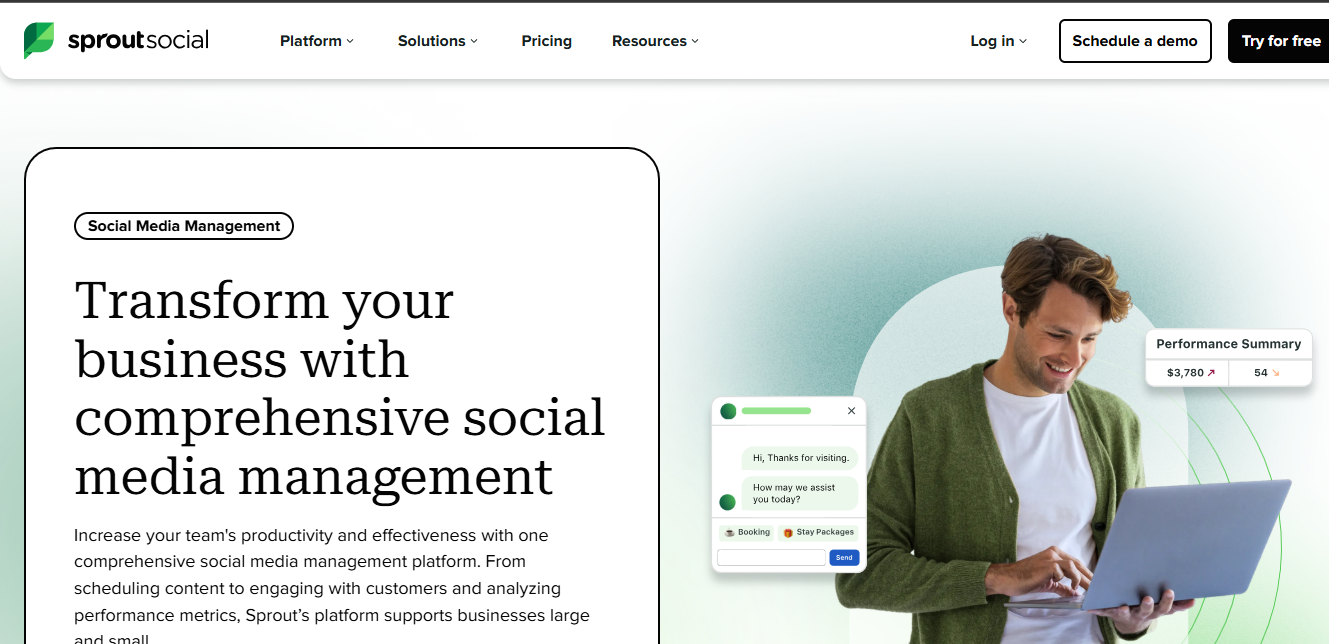
6. Sprout Social
Best for: Combining social media and influencer marketing
Free plan/trial: No free plan, but a 30-day free trial is available.
Pricing: Plans start at $249/seat/month for five social media profiles.
Standout Features:
- Beautiful, interactive reports for easy data visualization.
- Influencer marketing tools to help you find and collaborate with creators.
- Employee advocacy features to curate internal content sharing.
Sprout Social’s influencer marketing integration (via Tagger Media) makes it stand out. However, it’s pricey, so it’s best for large businesses with a big budget.
Top 2 Alternatives to Sprout Social:
- Meltwater: A multi-functional tool with social listening, media relations, and influencer marketing. Pricing is custom.
- Brandwatch: Offers advanced social media management and influencer tracking. Pricing is custom.
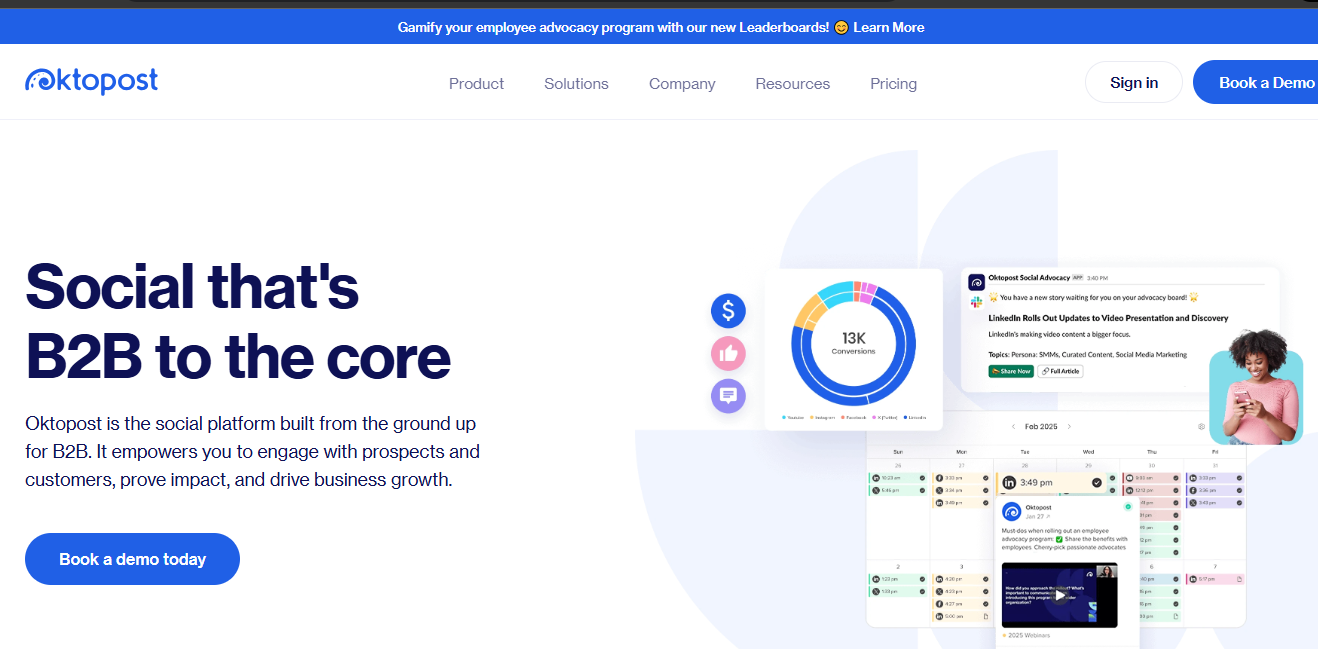
7. Oktopost
Best for: B2B companies
Free plan/trial: No publicly available pricing or trial.
Pricing: Custom pricing.
Standout Features:
- B2B-focused social media analytics to track buyer journeys.
- Premade dashboards by B2B experts to monitor key metrics.
- Campaign-based tracking for in-depth performance analysis.
Oktopost is built for B2B companies that need detailed social media performance tracking and reporting.
Top 2 Alternatives to Oktopost:
- ContentStudio: A B2B-friendly tool with RSS feed curation and influencer discovery. Paid plans start at $25/month.
- Missinglettr: Automates long-term social media campaigns. Paid plans start at $15/month.
How to Choose the Right Social Media Management Tool
With so many options, choosing the best tool can be tricky. Here are 5 key questions to ask yourself:
- Does it support all the platforms you need? Consider future growth and multi-platform expansion.
- Are the reporting features strong enough? Social media analytics should align with your business goals.
- Does it offer collaboration tools? Essential for agencies, teams, and freelancers managing multiple accounts.
- Is it cost-effective as you scale? Some tools can become expensive as you grow.
- Does it have specialized features for your needs? Consider niche features like influencer tracking or AI content creation.
Most tools offer free trials, so take advantage of them to find the perfect fit. Investing in the right social media management platform will save you time, improve performance, and keep you ahead of the competition!